
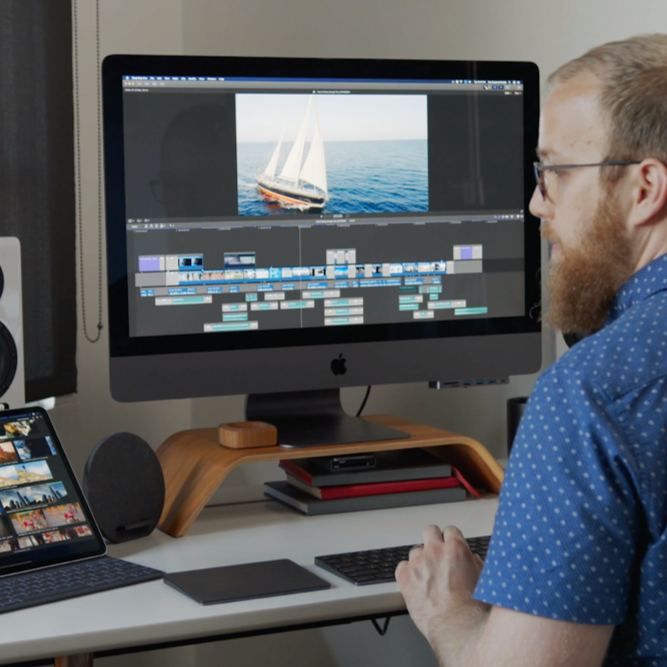
Final Cut Pro X – Beginner Course
€308.88
Tax included
This e-learning course Final Cut Pro X – Beginner allows you to learn the fundamentals of professional video editing on Mac. In 10 hours, you will discover the FCPX interface, media organization, the magnetic timeline, editing tools, transitions, effects, titles, multicam editing, audio management, and color grading. Composed of 12 modules and 44 video lessons, this course guides you step by step to create, edit, and export professional-quality videos.
👉 Audience: beginners, content creators, communication professionals, videographers, freelancers
👉 Duration: 10 hours
👉 Objective: master the basics of video editing with Final Cut Pro X
👉 Target audience: anyone who wants to create professional videos on Mac
Description
🎬 Discover video editing with Final Cut Pro X
The Final Cut Pro X – Beginner course is designed to help you get started with Apple’s professional video editing software. It guides you step by step through the interface, editing tools, and advanced features to produce professional-quality videos.
📌 Learning objectives
| Objective | Skills developed |
|---|---|
| Get started with FCPX | Interface, workspace, and project organization |
| Edit a video | Magnetic timeline, cutting tools, and transitions |
| Finalize a video | Audio, color grading, export, and archiving |
🗂️ Media organization and preparation
Learn how to import, sort, and organize your video files efficiently using libraries, events, roles, and smart collections. Proper organization is key to smooth and professional editing.
✂️ Editing techniques and magnetic timeline
The course covers essential editing techniques in Final Cut Pro X. You will explore the magnetic timeline, clip insertion, cuts, transitions, and sequence creation for HD, 4K, and social media formats.
📌 Techniques covered
- Automatic and manual editing
- Transitions and cut effects
- Keyframes and animations
- Multicam editing and audio synchronization
🎨 Effects, titles, and color grading
Enhance your videos with titles, graphics, visual effects, and color correction tools. The course covers white balance, RGB curves, LUTs, and color grading techniques.
🔊 Audio management and mixing
A dedicated module focuses on audio processing: adjustments, music and sound effects mixing, voice-over recording, and sound synchronization for professional results.
📤 Export and archiving
The course concludes with exporting Final Cut Pro X projects and best practices for archiving your work for future reuse.
❓ Frequently Asked Questions
Yes, no prior video editing experience is required.
The course is available on Mac via a modern web browser.
Yes, quizzes are included throughout the course.
Yes, the course is 100% e-learning and accessible anytime.
You can choose between two payment options:
- One-time payment: pay the full amount at purchase and get immediate access valid for 12 months.
- 12 monthly payments: pay in 12 installments. After the 12 months, your subscription automatically renews monthly, which you can cancel at any time.
In both cases, you get immediate access to the full course.
Product Details
FL-FCPX-NT
Specific References
Reviews
No customer reviews for the moment.