
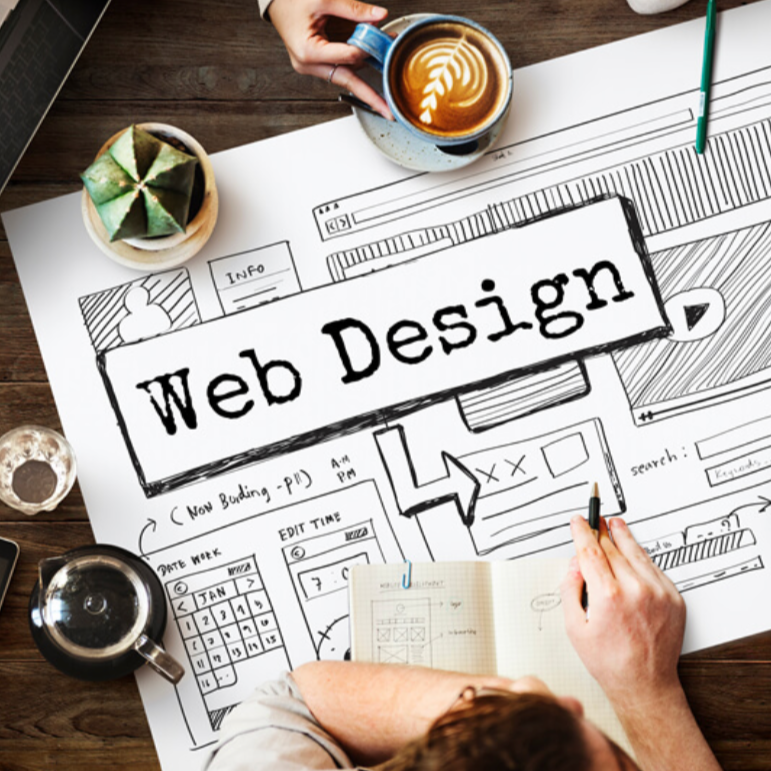
Web design
€304.20
Tax included
This e-learning training “Web Design Essentials” provides you with all the fundamentals needed to design modern, aesthetic, and effective web interfaces. In 4 hours, you will discover the basics of the web designer role, UX/UI principles, graphic guidelines creation, responsive mockup design, and smart interface structuring. Through 9 modules and 43 lessons, you will learn how to use Photoshop to create optimized designs for both desktop and mobile use.
👉 Audience: beginners, students, communication professionals, creatives, entrepreneurs
👉 Duration: 4 hours
👉 Objective: design responsive UX/UI web interfaces
👉 Intended for: anyone wishing to get started in web design
Description
🎨 Understanding the basics of web design
The “Web Design Essentials” training gives you a clear and practical understanding of the web designer role. You will learn how to create visually appealing (UI) and user-centered (UX) interfaces while respecting responsive design constraints.
📌 Learning objectives
| Objective | Skills developed |
|---|---|
| Understand the role | Web designer role, UX/UI, and production workflow |
| Create interfaces | Clear layouts, visual hierarchy, and usability |
| Master tools | Using Photoshop for web design |
🧠 UX, UI, and design guidelines
You will discover the fundamentals of user experience (UX) and user interface (UI), as well as how to build a consistent design system.
📌 Covered elements
| Topic | Content |
|---|---|
| Colors | Harmony, contrast, and readability |
| Typography | Font selection and text hierarchy |
| Icons and buttons | Clarity, consistency, and interaction |
📐 Designing responsive interfaces
You will learn how to structure interfaces effectively using wireframes, content hierarchy, and responsive design best practices.
- Wireframes and page structure
- Headers, footers, forms, and navigation
- Grids, breakpoints, and mobile adaptation
🖌️ Getting started with Photoshop
A module is dedicated to using Photoshop for web design: workspace, essential tools, and best practices for creating professional mockups.
📤 Project presentation and delivery
You will learn how to prepare your deliverables: exporting files, creating mockups, managing assets, and presenting projects to clients or teams.
🚀 Going further in web design
The training concludes with practical advice on building a portfolio, moving into freelancing or employment, and continuing your skill development.
❓ Frequently Asked Questions
Yes, it is designed for beginners in web design.
The average duration is 4 hours.
The training mainly uses Photoshop.
Yes, it is 100% online and accessible on Mac and PC.
Product Details
FL-WD-NT
Specific References
Reviews
No customer reviews for the moment.