
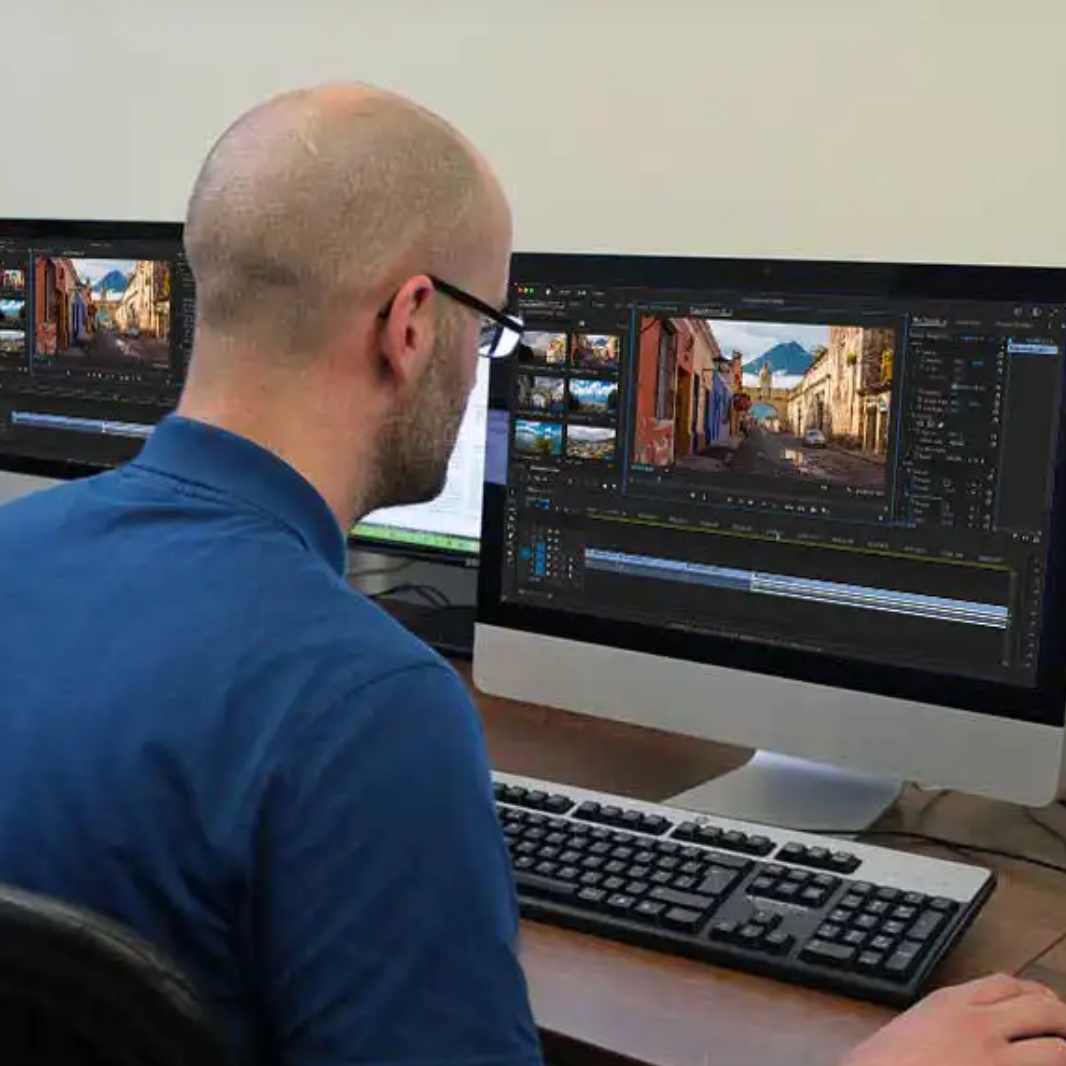
Premiere Pro CC 2022 - Advanced
€308.88
Tax included
This e-learning training Premiere Pro CC 2022 – Advanced allows you to master professional video editing features. Through 14 modules (77 video lessons), you will deepen your skills in color grading, audio/video synchronization, multicam editing, animations, subtitles, and advanced exports. Practice-oriented, this training supports you in producing professional video content for the web, social media, and broadcasting.
👉 Audience: video editors, content creators, communication professionals, videographers
👉 Duration: 4 hours
👉 Objective: master advanced Premiere Pro tools
👉 Intended for: anyone with basic video editing knowledge
Description
🎬 Advanced professional video editing
The Premiere Pro CC 2022 – Advanced training is designed for users who want to go further in video editing. It helps you optimize your workflows, improve the visual and audio quality of your projects, and produce videos ready for professional distribution.
📌 Learning objectives
| Objective | Description |
|---|---|
| Optimize editing | Manage sequences, cuts, speeds, and clip durations |
| Improve visual quality | Perform precise color grading using Lumetri |
| Produce and export | Export videos for web, social media, and broadcasting |
🧩 A structured advanced program
The training includes 14 modules with 77 video lessons, covering all advanced features needed to create complex and professional video projects.
📌 Training content
| Topics | Skills developed |
|---|---|
| Advanced editing | Match frame, nested sequences, clip matching |
| Color & audio | Lumetri color grading, corrections, audio/video sync |
| Multicam & animation | Multicam editing, animations, keyframes |
| Subtitles & export | Automatic captions, advanced exports, social media formats |
💻 Technologies and environment
The training follows professional video standards and is accessible on all devices.
- Adobe Premiere Pro CC 2022
- Video tutorials
- SCORM standard
- Access via browser (Chrome, Firefox, Edge, Safari)
- Compatible with Mac, PC, and smartphone
🎯 Assessment and certification
An assessment system is included to validate your skills. A certificate of completion is awarded after finishing the course.
❓ Frequently Asked Questions
Yes, this training is intended for users who already have basic video editing skills.
The average duration is 4 hours.
Yes, it is 100% online and accessible anytime.
A certificate of completion is provided after finishing the course.
You can choose between a one-time payment or monthly payments.
Product Details
FL-PPA-NT
Specific References
Reviews
No customer reviews for the moment.