
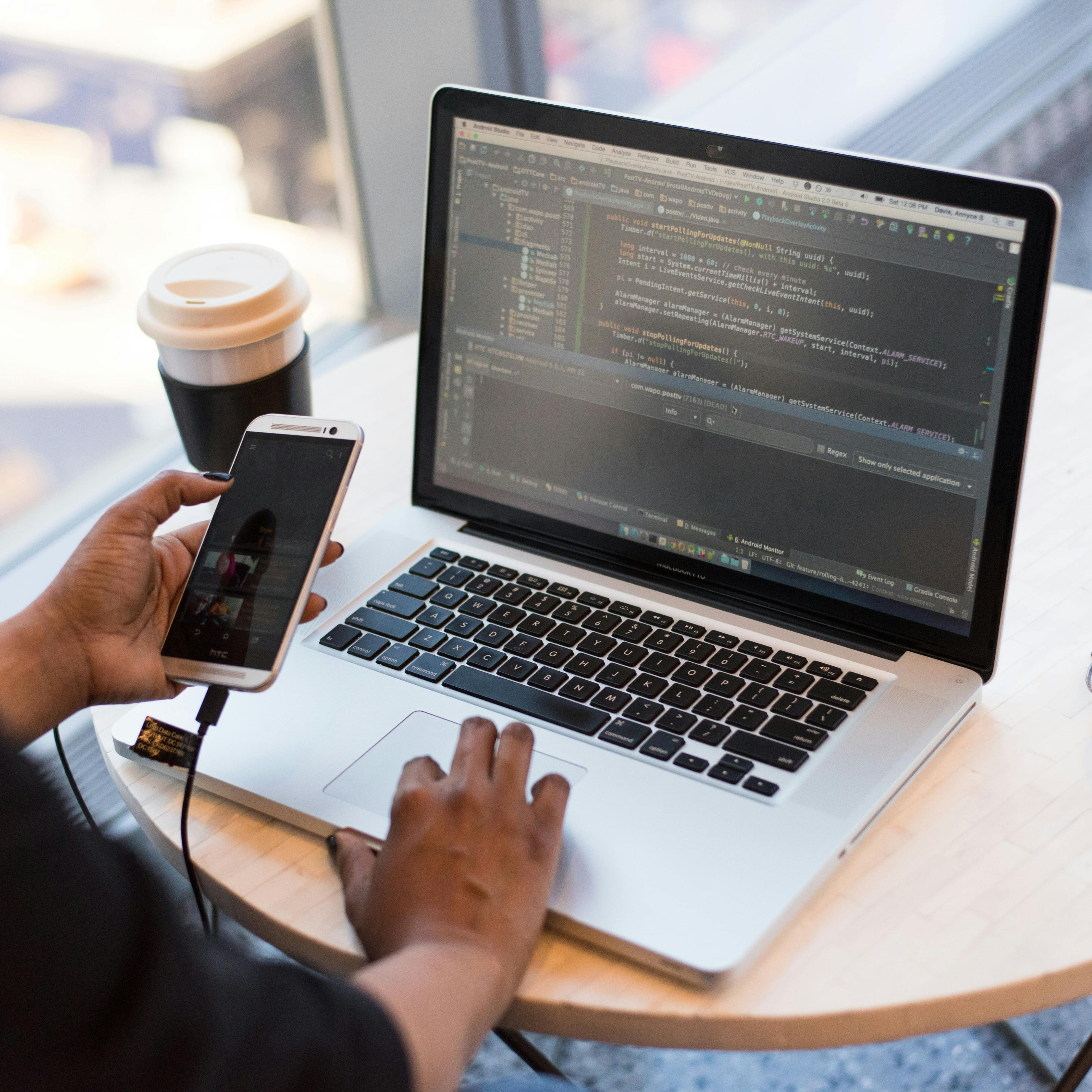
HTML/CSS programming
€347.49
Tax included
This e-learning course in HTML / CSS Programming allows you to acquire the essential fundamentals of web development to create your first web pages.
Through 88 interactive modules and videos, you will learn how to structure pages with HTML, style content with CSS, apply responsive design, and follow web best practices.
Accessible to beginners, this progressive course guides you step by step towards the creation of a complete website.
- Audience: beginners, students, employees, career changers, self-taught learners
- Duration: 50 hours
- Objective: create web pages using HTML and CSS
Description
🌐 Understanding the basics of web development
This HTML / CSS Programming course provides the essential skills needed to understand how a website works and to create your first web pages. The program covers the fundamentals of HTML and CSS, which are essential for structuring content and defining the visual appearance of a webpage. Thanks to a clear learning path and practical exercises, you will learn how to design modern, responsive web pages adapted to different devices.
📌 Learning objectives
| Skill | Expected outcome |
|---|---|
| HTML structure | Create the full structure of a web page |
| CSS styling | Style content and manage design |
| Responsive design | Adapt layouts for mobile and tablet screens |
| Web page creation | Develop functional web pages |
🧱 HTML fundamentals
The course begins with learning HTML, the language used to structure web content and organize information logically.
- HTML page structure
- Tags and attributes
- Headings, paragraphs, and lists
- Internal and external links
- Images and media integration
- HTML tables and forms
- Semantics and best practices
🎨 Styling with CSS
CSS defines the visual appearance of web pages and enhances user experience through consistent design.
| CSS element | Skills acquired |
|---|---|
| CSS selectors | Target elements precisely |
| Colors and typography | Customize text appearance |
| Box model | Manage margins, borders, and spacing |
| Positioning | Arrange elements on the page |
📱 Responsive design and modern layouts
The course explains how to adapt a website to different screen sizes to provide an optimal user experience.
- Flexbox and layout structure
- CSS Grid
- Media queries
- Mobile and tablet adaptation
- Flexible images and content
✨ Animations and visual interactions
You will discover how to enhance user experience with visual effects and CSS animations.
- CSS transitions
- Transformations
- Simple animations
- Hover effects
🧩 Creating a complete website
The course concludes with hands-on practice by progressively building your own personal website.
- File organization
- Creating a complete structure
- Content integration
- Code validation and compatibility
- Web development best practices
❓ Frequently Asked Questions
You will immediately receive an email with all the information needed to access your training space. You can start learning right away.
You get 12 months of access, allowing you to learn at your own pace.
A certificate of completion is awarded once the course is finished.
Yes, the course is accessible on computer, tablet, and smartphone via all modern browsers.
You can choose between two payment options:
- One-time payment: pay the full amount at purchase and get immediate access for 12 months.
- 12 monthly payments: pay in 12 installments. After the 12 months, your subscription automatically renews monthly, which you can cancel at any time.
In both cases, you get immediate access to the full course.
The Premium version provides personalized support to help you progress faster and answer all your questions. It includes:
- Chat with a tutor available during business hours for technical and learning-related questions.
- Email support outside business hours.
- Personalized assistance in case of difficulties or learning blocks.
The Premium version is ideal if you want guided learning with human support and fast, reliable answers.
Product Details
FL-PHC-OMT
Specific References
Reviews
No customer reviews for the moment.